

The fastest way to set up call answering for bookings is to choose an AI-powered answering service, configure your business name, hours, and a short booking script, then go live. With Captasolutions, UK businesses can be live within the hour, capturing appointments 24/7 with no card required and a free 30-day trial.
Key takeaways
Setting up call answering for bookings works best when you keep the initial script short, connect your calendar on day one, and measure conversion from the first week.
| Point | Details |
|---|---|
| Go live in under an hour | Configure business name, hours, a short script, and calendar access before your first real call. |
| Use a two-option offer | Presenting two specific time slots converts more callers than open-ended availability questions. |
| Sync your calendar immediately | Two-way calendar sync prevents double-bookings and keeps availability accurate in real time. |
| Track no-show rate monthly | Divide no-shows by confirmed bookings to measure the impact of your reminder cadence. |
| Captasolutions free trial | 30-day trial, no card required, no contract, live within the hour at captasolutions.co.uk. |
Table of Contents
- How to go live today with call answering for bookings
- Which booking tasks should you automate and which need a human?
- What calendar integrations do you need to configure?
- What call flow and script templates convert callers into bookings?
- How do you manage confirmations, cancellations and no-shows?
- What should you expect on pricing, fees and contract terms?
- How do you implement, train staff and run QA after go-live?
- Why choose Captasolutions for UK booking call answering?
- What actually works and what stalls most booking call answering projects
- Captasolutions: start your free trial and go live within the hour
- Sources
How to go live today with call answering for bookings
Work through this checklist in order. Most businesses complete it in under 60 minutes.
Before you activate:
- Confirm your trading name exactly as you want it spoken on every call
- List your available booking hours and any blackout dates for the next 90 days
- Write down your cancellation and reschedule policy in plain language
- Identify which calendar or booking platform needs to receive new appointments
- Prepare a short confirmation message template (name, date, time, contact number)
Activation steps:
- Set up your account and enter business name, hours, and escalation number
- Upload or dictate your booking script (see Section 5 for a proven template)
- Connect your calendar so confirmed bookings create entries automatically
- Set your out-of-hours routing rule: AI handles the call, flags urgent escalations
- Run three simulated test calls covering a new booking, a cancellation, and an out-of-hours enquiry
- Make one live check: call your own number and verify the greeting, data capture, and calendar entry
Pro Tip: Keep your minimum viable script to two lines during onboarding: a greeting that states the business name and a single question that captures the caller's preferred date. You can add qualification questions once the system is live and tested.
For practical guidance on answering calls during business hours, the Captasolutions blog covers day-shift configuration in detail.
Which booking tasks should you automate and which need a human?
The right split depends on four factors: complexity, booking value, regulatory sensitivity, and whether the interaction is a cross-sell opportunity.
Low complexity, low value, no regulation: routine appointments with a fixed duration and standard price. A salon colour appointment, a restaurant table for two, or a boiler service call-back all fit here. These are strong candidates for a virtual assistant for bookings or an online self-booking widget. Making the online option clear and showing its benefits to the customer increases the share of callers who switch to self-service, reducing call volume without losing bookings.
Higher value or more complex: a clinic consultation with a new patient, a large trades job requiring a site survey, or a private dining booking for 20 covers. These benefit from AI capturing the initial enquiry and qualifying the lead, with a human following up to close. The AI handles availability and contact details; the human handles nuance and upsell.
Out-of-hours and overflow: AI answering is the default here. A caller at 10 PM who cannot reach anyone moves on. An AI that answers in your business name, captures the details, and sends a confirmation keeps that booking in play until your team picks it up the next morning.
Vertical examples worth noting:
- Salons: automate standard appointment bookings; keep a human for bridal packages and colour consultations requiring a patch test
- Trades: AI captures job type, postcode, and preferred date; a human confirms the quote and books the visit
- Restaurants: AI handles table reservations and standard enquiries; a human manages large-party deposits and dietary requirements
- Clinics: AI captures name, contact, and appointment type; clinical triage stays with a qualified person
AI call answering uses across UK business sectors illustrates how different verticals configure this split in practice.
What calendar integrations do you need to configure?
Phone bookings only protect your diary if the call creates a calendar entry automatically. Without that link, double-bookings and missed confirmations follow quickly.
Integration types to consider:
- One-way calendar add: the answering service pushes a new event into your calendar. Simple, reliable, and sufficient for most small businesses
- Two-way sync: changes in your calendar (cancellations, reschedules) update the answering service's availability in real time, preventing it from offering slots you have already filled
- PMS or booking-platform webhook: connects the answering service directly to platforms such as Fresha, Cliniko, or Simplybook.me so the booking record appears in your existing system
- CRM link: passes caller contact details and booking notes into your customer database for follow-up and marketing
Fields to map on every booking:
- Start time, end time, and duration
- Client name and contact number (plus email where possible)
- Booking source (phone, online, walk-in) for later analysis
- Notes field for any special requirements or qualification data
Integrating phone calls with a calendar or property management system reduces friction and helps convert calls into confirmed bookings. Asking for an email and sending a summary at the end of the call improves follow-up and gives the business a marketing contact.
Integration test checklist:
- Book a test appointment by phone and verify the calendar entry appears with correct time and duration
- Cancel the test booking and confirm the slot reopens in the answering service's availability
- Check the time zone is set correctly, particularly if your system defaults to UTC
- Verify the guest receives an automated notification with the correct details
What call flow and script templates convert callers into bookings?
Voice bookings remain a meaningful revenue channel, and teams configured to guide callers toward a decision convert more high-value appointments than those that only provide information. The structure below applies whether a human or an AI is handling the call.
A proven four-part call flow
1. Greeting (5–10 seconds) State the business name and the agent's name. "Good morning, Riverside Dental, this is Sarah, how can I help you today?" Callers who hear the business name immediately know they have reached the right place.
2. Needs analysis (first 90 seconds) Standardising a quick needs analysis in the first 90 seconds and presenting a two-option offer improves conversion compared with open-ended questions. Ask: "Is this for a new appointment or a follow-up?" and "Are you looking at this week or next?" Two closed questions, two data points, and the caller feels heard.
3. Two-option offer and close Never ask "When would you like to come in?" Present two specific options instead: "I have Tuesday at 2 PM or Thursday at 10 AM — which works better for you?" This structure makes closing easier and reduces the cognitive load on the caller.
4. Confirmation and contact capture Confirm the date, time, and duration. Ask for a contact number and email. Close with: "You'll receive a confirmation text shortly. Is there anything else I can help with?"
"Shall I check dates for you?" is the single most effective closing line on a booking call. It shifts the conversation from enquiry to action without pressure, and it works whether the caller is ready to commit or still browsing.
Living scripts: treat your call script as a working document, not a fixed template. A coaching and QA cycle that links listening, micro-fixes, role-play, and measurement produces sustained improvements in booking conversion. Review a sample of calls weekly, implement one small change, role-play the updated version, then measure the effect over the following week.
Pro Tip: Create a set of objection cards for the three most common reasons callers hesitate ("I'll call back later", "I need to check my diary", "Is there anything sooner?"). Pair each card with a scripted response and a closing attempt. Track your offer rate and closing attempt rate as a simple two-number KPI.
How do you manage confirmations, cancellations and no-shows?
A confirmed booking is not a guaranteed attendance. The gap between the two is where revenue leaks, and a structured message cadence closes most of it.
Recommended confirmation and reminder cadence:
- Immediately after booking: send an SMS and email confirmation with date, time, address, and a cancellation link or number
- 48 hours before: send a reminder SMS asking the client to confirm or reschedule
- 24 hours before: a second reminder for high-value or long-duration appointments
- Same-day: a brief SMS reminder two to three hours before the appointment
No-show rates vary significantly by sector, but tracking your own rate is the most useful starting point. Measure it monthly: divide the number of no-shows by the total confirmed bookings and express it as a percentage. A reduction of even a few percentage points across a full diary represents meaningful recovered revenue. Call answering with structured reminders reduces no-shows for UK businesses across sectors.
Cancellation and reschedule workflow:
When a client cancels, the system should immediately offer the next available slot. If they decline, add them to a waitlist and trigger an automated reoffer if a slot opens within their preferred window. This converts cancellations into reschedules rather than lost revenue.

Confirmation message template (SMS): "Hi [Name], your appointment at [Business] is confirmed for [Date] at [Time]. To cancel or reschedule, call [Number] or reply CANCEL. See you then."
What should you expect on pricing, fees and contract terms?
Call answering services for bookings are sold across several pricing models, and the headline price rarely tells the full story.
Common pricing structures:
- Per-minute billing: you pay for the total talk time handled on your behalf. Low-volume businesses often pay less, but costs can spike during busy periods
- Per-call billing: a flat fee per answered call regardless of duration. Predictable, but expensive if your calls are short
- Subscription tiers: a monthly fee covering a set number of minutes or calls, with overage charges above the threshold. Most AI-powered services use this model
- Per-booking fee: a charge for each confirmed appointment. Aligns the provider's incentive with yours, but watch for high per-unit rates on low-margin bookings
- Add-on fees: calendar integration, CRM connection, call recording, and custom script development are sometimes charged separately
Questions to ask every provider before signing:
- What is the one-time setup fee, and what does it cover?
- What is the minimum contract term and the notice period to cancel?
- Who owns the call recordings and the caller data?
- What reporting is included, and how often is it delivered?
- How many hours of script training and onboarding support are included?
Red flags to watch for:
- Notice periods longer than 30 days with no break clause
- Overage charges that are not capped or clearly defined
- No trial option or a trial that requires a card and auto-renews
- Vague data ownership clauses that do not confirm you retain your caller data
How do you implement, train staff and run QA after go-live?
A staged onboarding plan prevents the most common post-launch failures: scripts that do not match the business, calendar permissions that were never granted, and no-shows that were never tracked.
- Complete the business brief. Document your trading name, services, pricing, booking rules, and escalation contacts before the first call is answered.
- Build and approve the core script. Write the greeting, needs analysis questions, two-option offer, and confirmation sequence. Get sign-off from the person who knows the business best.
- Configure hours and calendar access. Set opening hours, out-of-hours routing, and grant the answering service the calendar permissions it needs to create and read bookings.
- Define escalation rules. Specify which call types must be transferred to a human immediately (complaints, medical queries, large-value jobs) and which the AI handles end-to-end.
- Run 10 test calls. Cover new bookings, cancellations, out-of-hours enquiries, and at least one objection scenario. Log every error.
- Fix and re-test. Address every error from the test calls before going live with real customers.
- Review the first 10 live calls. Listen to recordings, score against the script, and implement micro-fixes within the first week.
- Set a weekly QA cadence. Sample five calls per week, score them, and run a short role-play session on any recurring issue.
- Track three core metrics from day one: answer rate (calls answered as a percentage of total calls), conversion to booking (bookings confirmed as a percentage of calls answered), and error rate (calls where the script was not followed or data was captured incorrectly).
- Schedule a script review at 30 days. By this point you will have enough call data to identify the questions callers ask that the script does not address.
Why choose Captasolutions for UK booking call answering?
Captasolutions is an AI-powered call answering service built specifically for UK businesses that cannot afford to miss a booking call.
What the service delivers:
- Answers every inbound call 24/7 in your business name, using a custom AI voice
- Captures caller name, contact details, and enquiry type on every call
- Qualifies the lead against your criteria before passing it to your portal
- Syncs confirmed bookings to your calendar, preventing double-bookings
- Records and transcribes every call so you can review, audit, and improve
- Organises all leads and call data in a web portal you access at any time
Typical timeline from signup to live:
- Account setup and business brief: 15–20 minutes
- Script configuration and calendar connection: 20–30 minutes
- Test calls and sign-off: 10–15 minutes
- Total: live within the hour
Trial and contract terms:
- Free 30-day trial with no card required
- No minimum contract term
- Cancel at any time
Real booking wins from AI call answering across UK trades, salons, and hospitality businesses show what the service produces in practice.
Captasolutions is trusted by trades businesses, restaurants, salons, clinics, and service businesses across the United Kingdom.
What actually works and what stalls most booking call answering projects
Most UK SMEs that deploy a call answering service for bookings see results within the first week. The pattern is consistent: businesses that keep the initial setup simple go live faster and capture more bookings from day one.

The fastest wins come from three things. A short script, a single calendar connection, and one clear escalation rule. Businesses that try to solve every edge case before going live rarely go live at all. The script does not need to handle every possible caller question on day one. It needs to capture a name, a preferred date, and a contact number. That is enough to protect the booking.
The most common mistake is an overcomplicated script written by committee. Every extra question is a point where the caller can disengage. The second most common mistake is missing calendar permissions. The answering service cannot create bookings in a calendar it cannot write to, and discovering this after go-live means a week of manual reconciliation.
Voice bookings remain a genuine revenue channel, and businesses that treat phone calls as revenue opportunities rather than interruptions configure their systems accordingly. That means a script designed to close, not just to inform, and a QA cycle that measures conversion, not just call volume.
One practical tip: set your confirmation reminder cadence before you go live, not after. The businesses that reduce no-shows fastest are the ones that had reminders configured from the first booking, not the ones that added them later.
Captasolutions: start your free trial and go live within the hour
Every missed booking call is a booking that went to someone else. Captasolutions answers every call in your business name, 24/7, captures the caller's details, and organises everything into your portal so you stay in control without being chained to the phone.
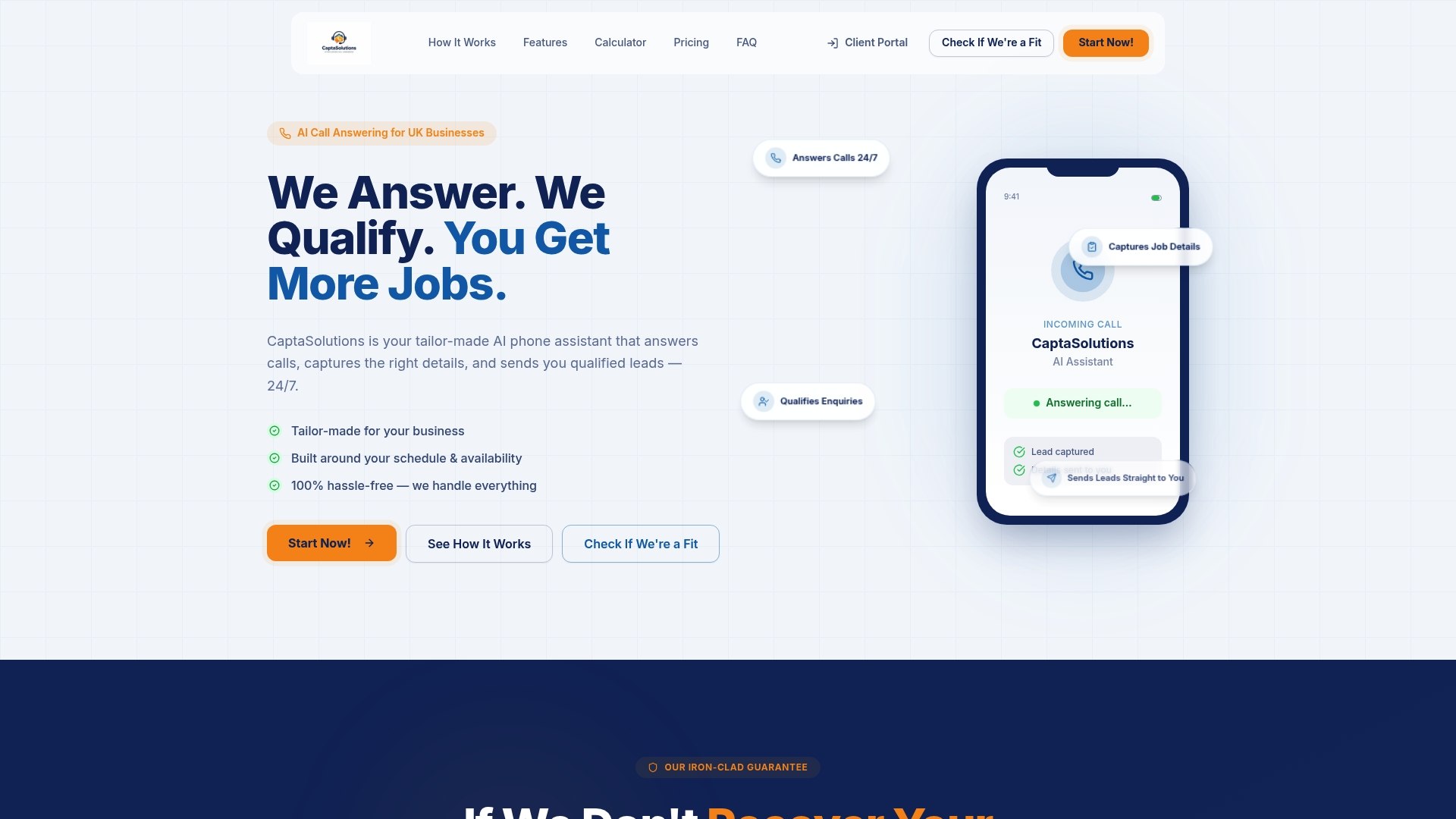
The free 30-day trial covers full AI call answering in your business name, lead capture, portal access, and calendar sync. No card required. No contract. Most businesses are live within the hour of signing up.
Start your trial or speak to the team at Captasolutions or call 07346 811329. Your next booking call is already on its way.
Sources
The sources below informed this guide and are worth consulting for deeper detail on specific topics.
- 10 tips to secure more direct voice reservations
- How to Improve Hotel Voice Reservation Conversions | Canary
- Call management in hotels: from a phone call to a reservation -