

Call overflow management is the process of routing inbound contacts that exceed your queue's handling capacity to a defined fallback action before callers abandon or receive a poor experience. The single most effective first step is to set a maximum wait-time threshold and attach a direct callback offer to it. Do that before anything else.
To get started, configure these four components in order:
- Wait-time threshold: set the trigger point at which overflow activates (many practitioners use a short wait-time window as a starting benchmark).
- Callback option: present callers with a confirmed time slot rather than an open-ended promise.
- Overflow target: define where calls go when the threshold is breached (external number, voicemail, AI answering service, or secondary queue).
- Audit log: record the trigger, action taken, timestamp, and resolution owner for every overflowed item.
Pro Tip: Configure your overflow forwarding to trigger before your voicemail timer fires. If voicemail answers first, your overflow route never activates and callers land in a dead end.
Key takeaways
Effective call overflow management requires three things working together: correctly configured platform thresholds, a customer-facing callback option, and an audit trail that records every overflow event from trigger to resolution.
| Point | Details |
|---|---|
| Set thresholds before anything else | Configure wait-time and queue-depth triggers based on your SLA targets, not platform defaults. |
| Callback with a specific time window | Offer callers a defined 60–120 minute slot; vague promises increase attrition and missed callbacks. |
| Audit every overflow event | Log trigger type, action taken, timestamp, and resolution owner in structured CRM fields, not free text. |
| Run a pilot before full rollout | Test on your highest-volume queue for five days; measure abandonment rate and callback fulfilment against a pre-defined success criterion. |
| Captasolutions as overflow target | UK businesses can route overflow calls to Captasolutions for 24/7 AI answering, lead capture, and structured data handover. |
Table of Contents
- What does "call overflow" actually mean, and how is it different from a spike?
- Why overflow happens and what it costs your business
- How to reduce overflow through operational planning
- Which telephony controls should you configure for overflow?
- How to configure queue overflow rules in your admin console
- What should you measure to prove every overflow was handled?
- Rollout checklist and decision matrix for managers
- How Captasolutions handles overflow for UK businesses
- What UK contact-centre managers should actually fix first
- Captasolutions: a ready-made overflow solution for UK businesses
- Sources
What does "call overflow" actually mean, and how is it different from a spike?
Call overflow occurs when the volume of inbound contacts in a queue exceeds the queue's current handling capacity for long enough that the platform's configured threshold is breached. The key word is sustained. Overflow is not a momentary burst; it is a condition that persists beyond the tolerance window you have set, triggering a pre-defined action such as a callback, transfer, or voicemail.
A call spike, by contrast, is a short-lived surge that resolves within minutes as agents complete current calls. Spikes rarely breach overflow thresholds if those thresholds are set correctly. Overflow is what happens when the spike does not resolve.
Common triggers for genuine overflow conditions include:
- Staffing gaps: unplanned absence, shift under-coverage, or a scheduling model built on average rather than peak demand.
- Campaign-driven volume: an outbound marketing push, a price change announcement, or a billing cycle that generates predictable but under-resourced inbound demand.
- System or service outages: a website outage or product failure that drives simultaneous contact from a large customer base.
- After-hours coverage gaps: calls arriving outside staffed hours with no automated handling in place.
- Long handle times: agents spending more time per call than the forecast assumed, reducing effective capacity without any change in volume.
Treating a spike as overflow wastes resources. Treating overflow as a spike means callers wait too long, abandon, and do not return.
Why overflow happens and what it costs your business
Overflow is almost always a capacity mismatch, but the root cause determines the fix. Staffing gaps are the most common driver in UK contact centres, followed by campaign-driven volume that was not factored into workforce planning. Long handle times are the least visible cause: agents are present, queues look manageable, but effective throughput has quietly dropped.
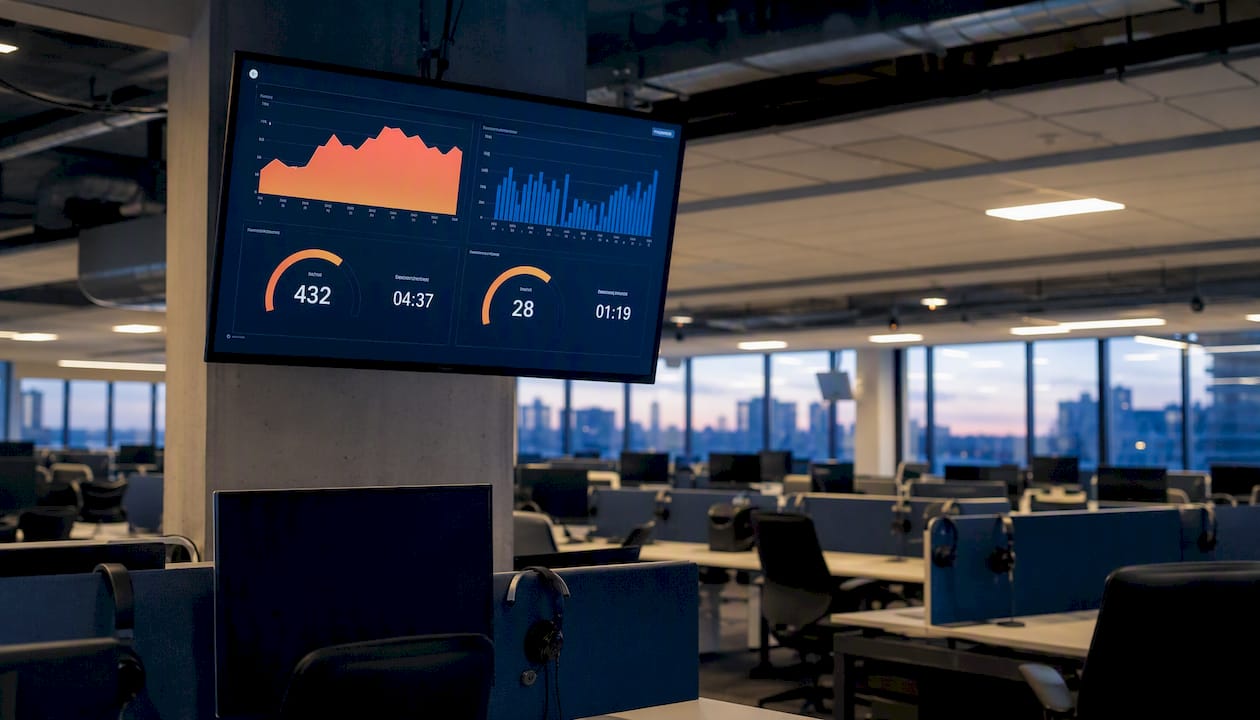
The business cost maps directly to four KPIs that every contact-centre supervisor should watch:
| KPI | What overflow does to it | How to monitor |
|---|---|---|
| Average speed of answer (ASA) | Rises sharply as queue depth grows; SLA breach follows quickly | Real-time dashboard; alert before the threshold |
| Abandonment rate | Increases with every additional 30 seconds of wait; lost callers rarely retry | Hourly abandonment report; flag above a low percentage |
| First-call resolution (FCR) | Falls when overflow routes callers to agents without context or to voicemail | Track reopened tickets and repeat contacts within 24 hours |
| CSAT | Drops in proportion to wait time and unresolved contacts | Post-call survey; correlate scores with overflow events |
Lost revenue is harder to quantify but straightforward to estimate: multiply your average order or booking value by the number of abandoned calls in a period. For a restaurant taking £40 covers or a trades business quoting £300 jobs, even a handful of missed calls per week adds up quickly.
How to reduce overflow through operational planning
Prevention is cheaper than recovery. The most effective operational lever is accurate short-window forecasting: use historical call data segmented by day of week, time of day, and known demand triggers (billing dates, campaign launches, seasonal peaks) to staff ahead of the curve rather than react to it.
Forecasting and real-time monitoring
Build a 15-minute interval forecast rather than an hourly one. Most contact-centre platforms surface interval-level data; use it. That gives you a 10–15 minute window to act before the threshold is breached. For peak hour booking calls, this early-warning approach consistently reduces the number of contacts that actually reach overflow.
Workforce flexibility
- Cross-train agents across at least two queue types so you can redeploy in real time without retraining.
- Maintain a remote-agent pool that can log in on short notice during unexpected spikes.
- Stage your escalation policy: first redeploy from lower-priority queues, then activate overflow routing, then engage an external overflow partner.
- Review shift patterns quarterly against actual interval data, not just monthly totals.
Customer-facing tactics
Announce estimated wait times early in the IVR, before the caller has committed to holding. Callers who know they face a 4-minute wait make an informed choice; callers who hold in silence abandon at a much higher rate. Offer the callback option at the same point, with a specific time window rather than a vague promise.
Pro Tip: Callback offers with a defined 60–120 minute slot outperform open-ended "we'll call you back today" messages. Specific windows reduce no-answer callbacks and the attrition that follows when callers feel forgotten.
Training and scripting under pressure
Agents handling overflow periods need shorter, tighter scripts that preserve FCR without extending handle time. Identify the three most common enquiry types that arrive during peak periods and build a one-page resolution guide for each. Agents who know the answer without searching resolve calls faster, which directly reduces queue depth.
Which telephony controls should you configure for overflow?
The controls available to you depend on your platform, but the categories are consistent across enterprise ACD and cloud contact-centre systems. The table below maps each control to its primary use case and the channel it applies to.
Zendesk's overflow configuration explains the practical constraints that apply when you add an overflow number: calls routed to an overflow number may not be tagged or recorded in the same way as queue calls, and voicemail interaction must be tested separately to confirm it does not intercept the overflow route.
Key decisions to make before configuring:
- Automated self-service vs. human overflow: use self-service for enquiries with a defined, repeatable answer (opening hours, appointment confirmation, account balance). Route to a human or AI agent for anything requiring judgement, qualification, or a booking decision.
- AI handling vs. queue expansion: AI-powered phone answering engages the caller immediately, qualifies the enquiry, and captures structured data for downstream agents. Simple queue expansion just makes the caller wait longer in a different place.
How to configure queue overflow rules in your admin console
The steps below are vendor-neutral but reflect the condition-action model used by enterprise platforms including Dynamics 365 Customer Service and Zendesk Talk.
- Navigate to your queue settings and open the overflow or routing rules panel.
- Add a pre-queue condition: choose the trigger type (wait time exceeds N minutes, or queue depth exceeds N items). Microsoft Learn's overflow documentation covers both trigger types and explains how batch handling works when multiple items breach the threshold simultaneously.
- Select the overflow action: options typically include direct callback, transfer to an external number, transfer to a secondary queue, voicemail, or end conversation. Assign one action per condition, or chain conditions in priority order.
- Set channel-specific behaviour: voice and messaging channels may support different action types. Confirm which actions are available for each channel before saving.
- Test in a staging environment: simulate a queue breach by temporarily lowering the threshold, then verify the action fires correctly and the caller experience matches the intended design.
- Enable audit logging: confirm that each overflow event writes a record containing the trigger type, elapsed wait time, action taken, and the agent or system that owns the follow-up.
Auditability is not optional. Every overflowed contact must generate a log entry that captures the trigger condition, the action taken, the timestamp, and the resolution owner. Without this, overflow becomes a black hole for leads and a gap in your SLA reporting. Build the log field into your CRM record at the point of configuration, not as an afterthought.
Pro Tip: When chaining conditions, set the pre-queue condition (queue depth) to fire before the wait-time condition. This catches volume surges before individual callers have been waiting long enough to trigger the time-based rule.
What should you measure to prove every overflow was handled?
Measurement closes the loop between configuration and outcome. The metrics below give supervisors a complete picture of overflow performance.
| Metric | Target / interpretation | Data source |
|---|---|---|
| Average speed of answer (ASA) | Below your SLA threshold; rising ASA is the earliest overflow signal | ACD / platform report |
| Abandonment rate | Flag above 5%; correlate spikes with overflow events | Queue report |
| Callback fulfilment rate | Percentage of promised callbacks completed within the stated window | CRM callback log |
| Reopened tickets / repeat contacts | High rate signals FCR failure during overflow periods | CRM / ticketing system |
| Overflow trigger frequency | How often each condition fires; high frequency means threshold is too low or staffing is under-resourced | Platform overflow log |
For each overflowed work item, your reporting template should capture: trigger type, queue entry time, overflow action time, action taken, resolution owner, and final resolution time. This structure supports SLA reviews and, where relevant, demonstrates compliance with accessibility obligations for priority callers under Disability Confident guidance.
Embed these fields in your CRM as structured data, not free-text notes. A promised callback recorded in a structured field with a timestamp can be queried, reported on, and escalated automatically if it ages past the promised window.
Rollout checklist and decision matrix for managers
Pre-launch checklist
- Set wait-time and queue-depth thresholds based on your SLA targets, not on platform defaults.
- Configure at least one overflow action per queue; confirm the action fires before voicemail intercepts.
- Assign a named resolution owner for each overflow action type (callback, voicemail, external transfer).
- Enable audit logging and confirm fields write to your CRM on every overflow event.
- Brief agents on the overflow policy: what triggers it, where calls go, and how follow-up is tracked.
Pilot test plan
Run a 5-day pilot on your highest-volume queue. Lower the overflow threshold temporarily to generate a controlled number of overflow events. Measure ASA, abandonment rate, and callback fulfilment rate against your pre-pilot baseline. If the pilot fails the criterion, adjust the threshold or the overflow action before full rollout.
Decision matrix: when to escalate
| Condition | Recommended action |
|---|---|
| Overflow events are infrequent and short-lived | Adjust staffing intervals; no external partner needed |
| Overflow is predictable and tied to known peaks | Pre-schedule overflow routing to activate automatically during peak windows |
| Overflow occurs after hours with no staffed cover | Activate an AI answering service or external overflow partner for out-of-hours calls |
| Overflow is sustained and unpredictable | Engage an external overflow partner with real-time activation capability |
| Overflow involves vulnerable or priority callers | Apply rule-specific routing with priority queue exemptions and documented audit trail |
How Captasolutions handles overflow for UK businesses
Captasolutions is an AI-powered call answering service that activates as an overflow target for UK businesses that cannot staff every inbound call. It answers in your business name, 24 hours a day, seven days a week, captures the caller's details, qualifies the enquiry against your criteria, and organises everything into a client portal for your review. For AI lead qualification in particular, the structured data handover means agents pick up overflow contacts with full context rather than a voicemail message.
Three use cases where UK businesses use Captasolutions as their overflow route:
- Peak-season booking overflow: a hospitality venue routes calls to Captasolutions when all front-of-house lines are engaged during service. The AI captures the booking request, party size, and preferred date, and the manager reviews confirmed leads in the portal after service ends.
- Out-of-hours enquiries: a trades business sets its overflow rule to activate outside staffed hours. Captasolutions answers every call, qualifies the job type and urgency, and the tradesperson reviews leads each morning rather than returning to a voicemail inbox.
- Sudden campaign spike: a clinic runs a promotional campaign and call volume doubles for 48 hours. Rather than missing contacts or extending queue times, calls overflow to Captasolutions, which qualifies appointment requests and flags urgent cases for same-day callback.
During a trial, check three things: that caller data transfers into your CRM or portal in structured fields, that call recordings are accessible for quality review, and that the AI's brand tone matches your business voice. The practical onboarding guide covers each of these checks in detail.
Pro Tip: Map Captasolutions as your overflow target in the platform decision matrix before the trial starts. That way, the trial generates real overflow events under live conditions rather than simulated ones, giving you accurate callback fulfilment and data-handover metrics from day one.
The HSE's workload guidance is clear that sustained demand overload carries genuine performance and safety risks for staff. Routing overflow to an AI answering service during peak periods is not just a customer-experience decision; it is a workload management one.
What UK contact-centre managers should actually fix first
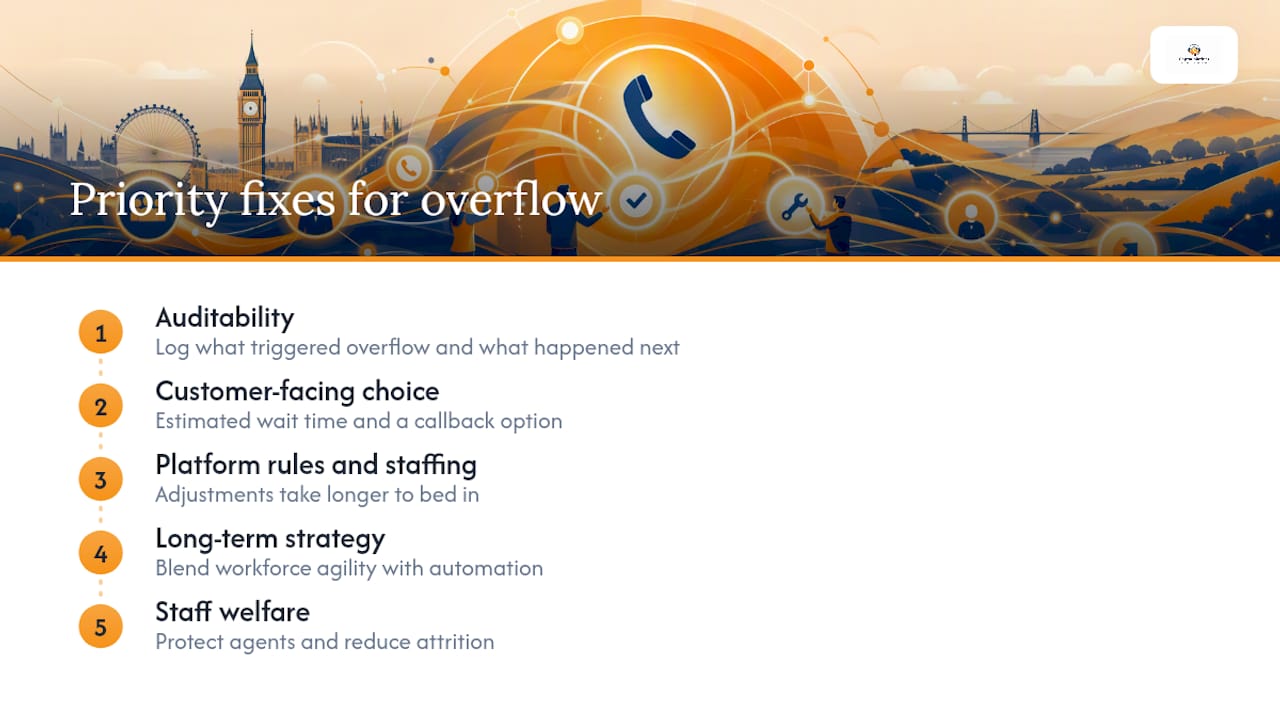
Most overflow guides lead with technology. The right starting point is auditability, because without a log of what triggered overflow and what happened next, you cannot measure whether any fix is working.
The second priority is customer-facing choice. Callers who receive an estimated wait time and a callback option abandon at a lower rate than callers who hold in silence. That is a configuration change that takes less than a day to implement and produces measurable results within the first week. Platform rules and staffing adjustments matter, but they take longer to bed in.
On long-term strategy: the most resilient contact centres blend workforce agility with automation. That means cross-trained agents who can flex across queues, combined with an AI or external overflow partner that activates without a hiring decision. Neither alone is sufficient. Permanent headcount cannot scale fast enough for unpredictable spikes; automation without human oversight misses the nuance that complex enquiries require.
Staff welfare deserves a direct mention. Agents working through sustained overflow periods without relief face the workload risks that HSE human-factors guidance documents in detail. Overflow routing is not just about protecting the caller experience; it protects agent performance and reduces the attrition that makes staffing gaps worse over time. Build overflow rules that give agents breathing room, not just rules that redirect callers.
Captasolutions: a ready-made overflow solution for UK businesses
For UK businesses that need an operationally ready overflow answer without building it from scratch, Captasolutions delivers 24/7 AI-powered call answering that activates as your overflow target the same day you configure it. Every call is answered in your business name, every enquiry is qualified, and every lead lands in your client portal with structured data ready for follow-up.
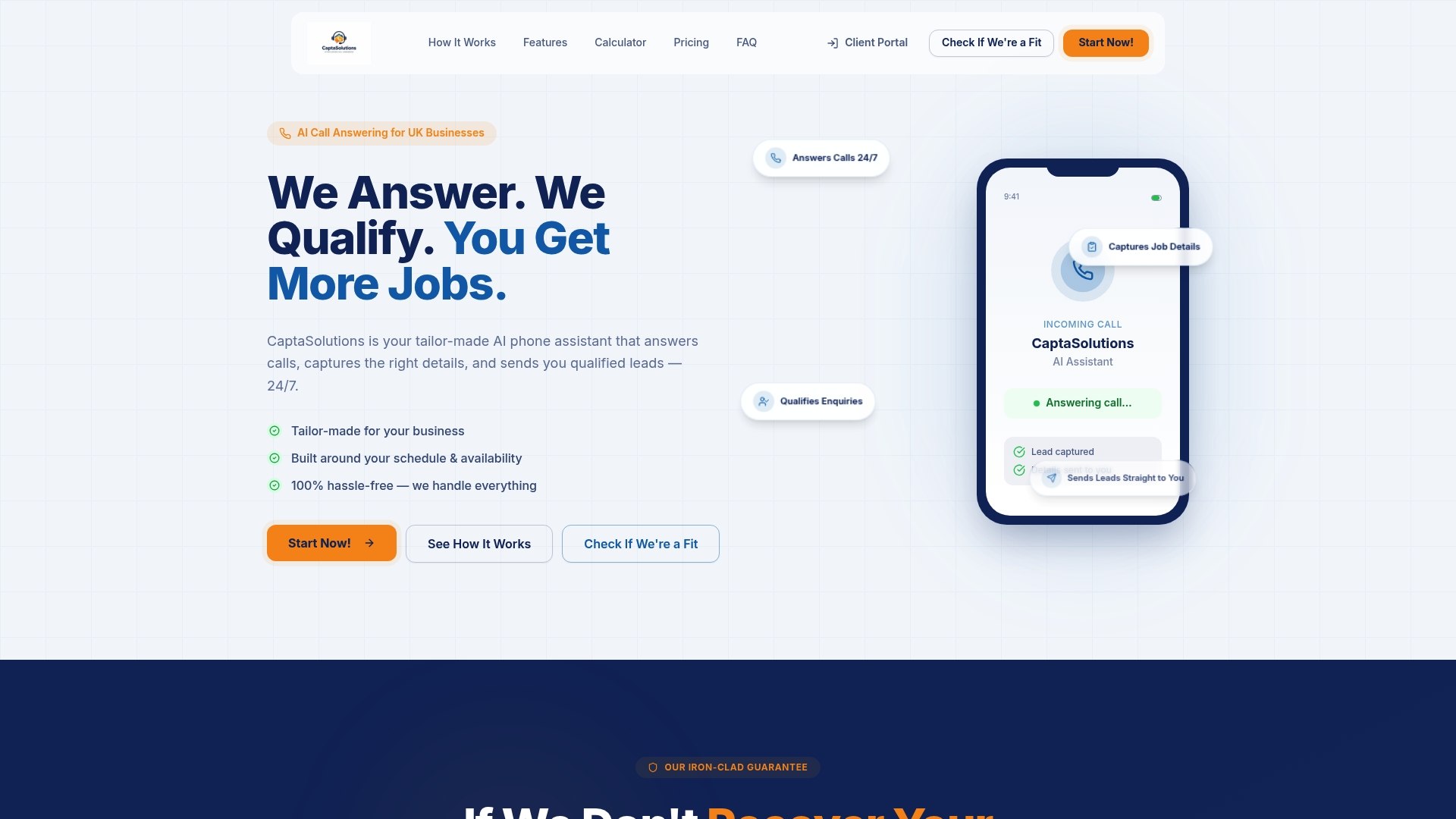
The fit is strongest for SMEs where overflow is unpredictable or after-hours: trades businesses, hospitality venues, salons, clinics, and service businesses that cannot staff a phone line around the clock but cannot afford to miss the calls that arrive outside staffed hours. There is no long-term contract, no hardware to install, and the service goes live within the hour.
During your trial, verify callback fulfilment rates, confirm data handover into your existing CRM or portal, and check that call recordings are accessible for quality review. Those three checks tell you everything you need to know about whether the service fits your overflow workflow.
Start a free 30-day trial at Captasolutions — no card required, no contract, live within the hour.
Sources
- Manage overflow of work items in queues — Microsoft Learn
- Managing overflow calls and after-hours call routing – Zendesk help
- Workload — HSE
- Gov