
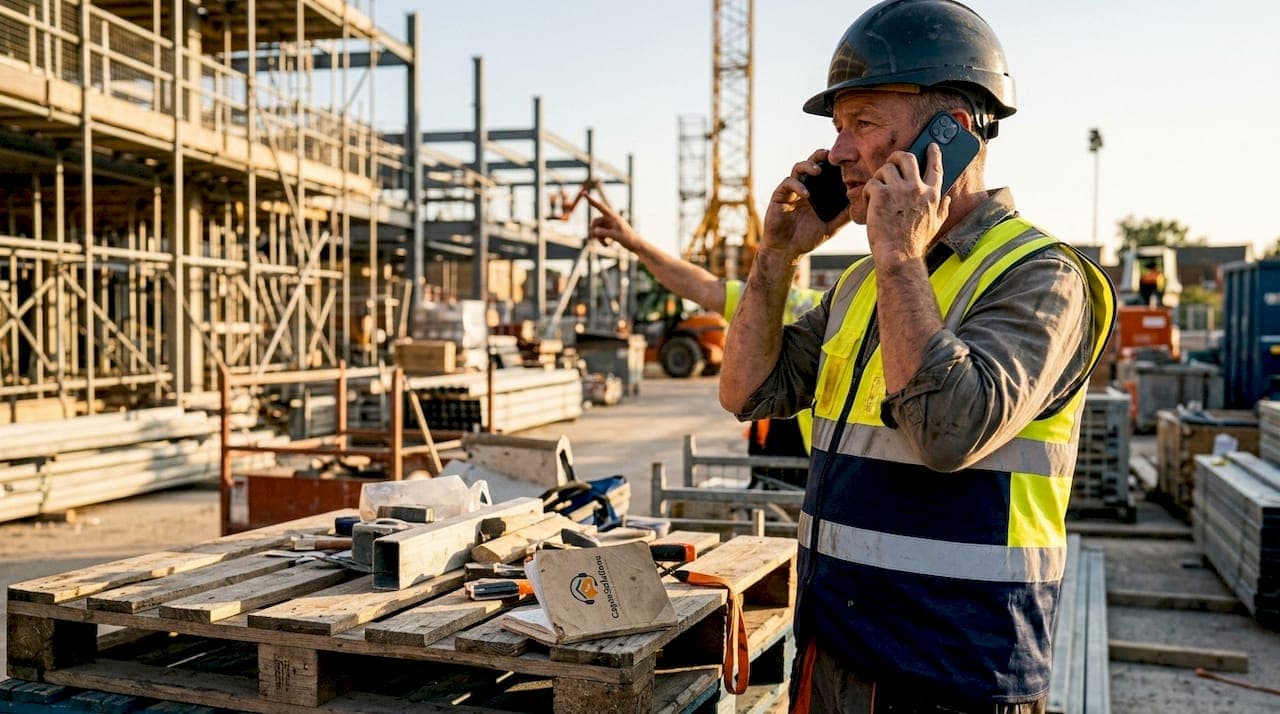
Handling client calls on site is defined as the practice of managing inbound and outbound client communication while actively working at a job location, without sacrificing the quality of the work in progress. For UK small business owners and service professionals, whether you are a plumber mid-job, a landscaper on a large commercial site, or a builder managing a residential renovation, the ability to handle client calls on site effectively separates businesses that grow from those that stall. Tools like Captasolutions, Buildertrend, and CompanyCam now make it possible to manage onsite client communication without picking up every call yourself. The core principle is simple: proactive, structured communication reduces reactive, disruptive calls.
How to handle client calls on site without losing focus
The biggest productivity threat on any job is not the work itself. It is the unplanned phone call that pulls you out of a task, breaks your concentration, and costs you far more time than the call itself lasted. Research confirms that small business owners spend roughly 22% of their working week on manual client communication. That is nearly one full day every week spent on updates, check-ins, and fielding questions that could have been answered automatically.
Context-switching is the hidden cost here. Every time you stop to answer a call on site, your brain requires time to re-engage with the task at hand. For tradespeople and field professionals, that interruption can also create safety risks, particularly on construction sites or when operating equipment.

Client anxiety drives a significant proportion of these calls. When clients lack visibility into job progress, they fill the information gap by calling. Clients who lack visibility call more often, and the calls are rarely about genuine emergencies. They are about reassurance. That is a solvable problem, not an unavoidable one.
The communication tools many small businesses rely on make this worse, not better. WhatsApp threads, fragmented voice notes, and informal text chains create documentation gaps and make it nearly impossible to track what was agreed, when, and by whom.
"Persistent client calls are a symptom of failed communication systems, not difficult clients. Fix the system and the calls reduce themselves."
Which tools help you manage and automate client calls on site?
The right tools for client call management fall into three categories: automated update platforms, AI-powered call answering, and client portals with real-time job visibility.
Automated update platforms like Buildertrend and CompanyCam integrate with your on-site workflow to push scheduled progress reports to clients without you lifting the phone. US Tech Automations documented a case where PM hours on client communication dropped from 52.2 hours per week to 11.3 hours after automation was introduced, with inbound client calls falling by 74% within 90 days. That is not a marginal improvement. It is a structural change in how a business operates.
AI-powered receptionists handle the calls that do come in, particularly outside working hours or when your team is fully occupied on site. The Voice Concierge, for example, integrates with CRM systems to qualify leads and capture caller details automatically. Property teams using AI receptionists have generated over £800,000 in new revenue in a single month by ensuring no enquiry goes unanswered.
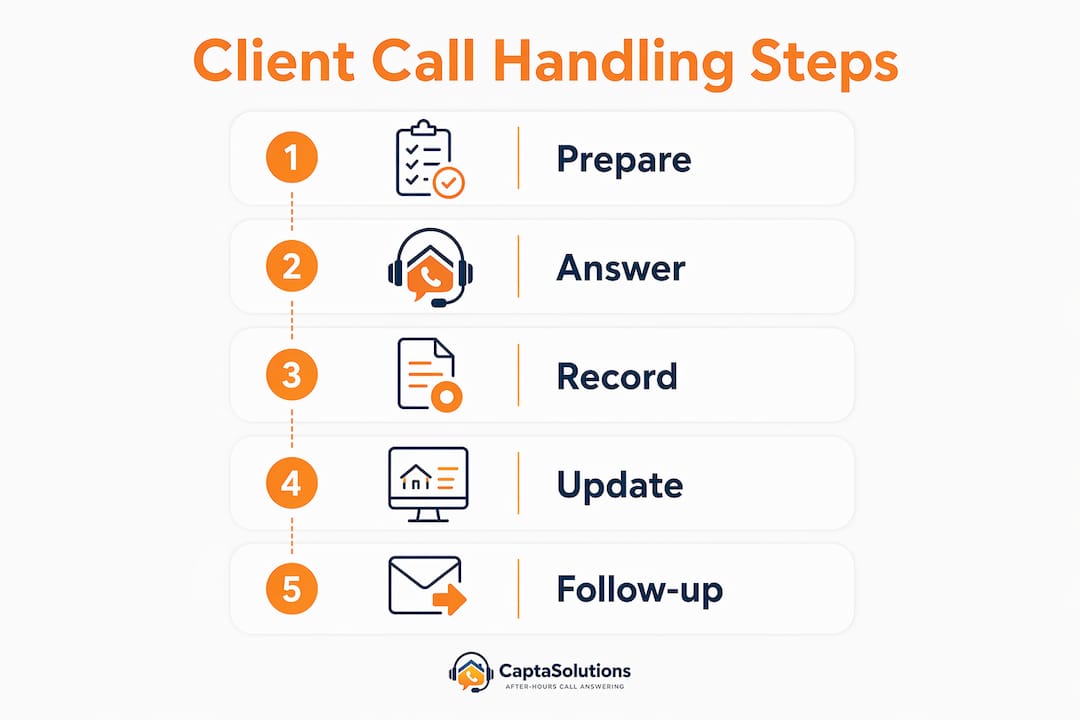
Client portals give clients direct access to job photos, schedules, and progress notes, removing the need to call for updates entirely. Platforms like OnSite automatically tag field communications across multilingual teams, organising unstructured messaging from WhatsApp and voice notes by project, location, and time without requiring staff training.
| Tool | Primary function | Key benefit for on-site teams |
|---|---|---|
| Buildertrend | Project management and client updates | Scheduled automated reports reduce inbound calls |
| CompanyCam | Photo documentation and client sharing | Visual progress updates without manual effort |
| The Voice Concierge | AI call answering and lead capture | 24/7 call handling with CRM integration |
| Captasolutions | AI-powered call answering for UK businesses | Answers every call in your business name, captures leads |
| OnSite | Field communication organisation | Auto-tags messages across teams and languages |
Pro Tip: Set up your client portal before the job starts, not halfway through. Clients who are introduced to the portal at kickoff use it consistently. Clients introduced mid-project often revert to calling.
Step-by-step methods for effective client call handling on site
Effective onsite phone support is not about being available at all times. It is about designing a communication system that makes constant availability unnecessary.
-
Set communication expectations at project kickoff. Tell clients which channel to use for updates, how often they will receive them, and what counts as an urgent issue. Clients informed at kickoff about portal use and scheduled updates report fewer unscheduled calls and higher satisfaction. This single conversation prevents dozens of unnecessary calls over the life of a project.
-
Schedule automated updates at fixed intervals. For residential projects, twice-weekly updates are the optimal cadence. For commercial work, weekly updates are sufficient. Sending updates too frequently causes clients to stop reading them. Sending too few creates the anxiety that generates calls.
-
Build a brief manual review into the automation process. Automated reports are only as good as the data they draw from. A 3 to 5 minute review before each report is sent offsets over 45 to 90 minutes of manual drafting time and catches errors before they reach the client. Skipping this step is where trust gets damaged.
-
Separate urgent calls from routine communication. Give clients one direct number for genuine emergencies. Route all other enquiries through your portal or AI call answering service. This distinction protects your focus without making clients feel ignored.
-
Use an AI call answering service for after-hours and peak on-site periods. Captasolutions answers every call in your business name, captures the caller's details, qualifies the enquiry, and organises everything into your client portal. You review leads when it suits you, not when the phone rings.
-
Follow up on missed calls within two hours. Clients who receive a prompt, professional follow-up after a missed call rarely escalate. Those who hear nothing often call competitors. Effective follow-up after calls is one of the highest-return habits a field professional can build.
Pro Tip: Record a professional voicemail that tells callers exactly when they will hear back and directs them to your portal for immediate updates. Most clients will self-serve rather than wait.
What pitfalls should you avoid when handling calls with clients on site?
The most common mistake is treating automation as a set-and-forget solution. Excessive automation without quality control triggers client mistrust, particularly when reports contain errors or feel generic. The fix is a short human review step, not less automation.
A second pitfall is over-communicating. Sending daily updates to clients on a three-month project trains them to expect constant contact, which backfires the moment your cadence slips. Stick to the agreed schedule and resist the urge to send extra updates unless something significant changes.
Boundary-setting with persistent callers requires a direct but professional approach. When a client calls outside agreed channels, acknowledge the call, address the concern briefly, and redirect them to the portal for future updates. Do this consistently and most clients adapt within a week.
Informal communication channels create serious documentation gaps. A WhatsApp message agreeing to a scope change carries no formal weight if a dispute arises later. Maintaining a limited set of high-value communication channels and clearly assigning responsibilities reduces confusion and protects you legally.
- Never agree to scope changes verbally on a call without following up in writing through your project management system.
- Do not give clients your personal mobile number as the primary contact. Use a business number routed through your call answering service.
- Avoid switching communication tools mid-project. Consistency builds client confidence.
- Test any new integration between your CRM and call answering service before going live with a client-facing workflow.
Key takeaways
Structured onsite client communication, combining automated updates, AI call answering, and client portals, reduces inbound calls by up to 74% and protects on-site productivity without sacrificing client satisfaction.
| Point | Details |
|---|---|
| Set expectations early | Brief clients on communication channels and update schedules at project kickoff to prevent unnecessary calls. |
| Automate with human review | Use platforms like Buildertrend or CompanyCam for scheduled updates, but review each report before sending. |
| Use AI call answering | Services like Captasolutions handle inbound calls 24/7, capturing leads and qualifying enquiries without interrupting on-site work. |
| Fix the system, not the symptom | Persistent client calls signal a communication gap. A client portal with real-time visibility resolves the root cause. |
| Protect your channels | Limit communication to a defined set of tools and avoid informal channels like personal WhatsApp for business matters. |
The balance between technology and personal touch
I have worked with enough small business owners to know that the instinct to answer every call personally comes from a good place. You want clients to feel valued. You do not want to seem unavailable. But that instinct, left unchecked, is quietly destroying your productivity and, ironically, your service quality.
Here is what I have observed consistently: businesses that implement structured communication protocols and AI call answering do not feel less personal to their clients. They feel more reliable. Integrating technology increases perceived personalisation because updates are timely, consistent, and professional, rather than rushed, reactive, and occasionally forgotten.
The professionals I have seen struggle with this transition are those who skip the human review step. They trust the automation completely, a report goes out with an error, and the client loses confidence. The technology is not the problem. The missing 3-minute review is. Keep that human checkpoint in place and the system works.
My honest advice is to stop thinking about managing calls without staff as a compromise. It is a professional upgrade. Clients who receive structured, predictable communication are easier to work with, less likely to dispute invoices, and far more likely to refer you to others. That is not a technology outcome. That is a communication outcome that technology makes possible.
— Daniel
How Captasolutions helps UK businesses manage client calls on site
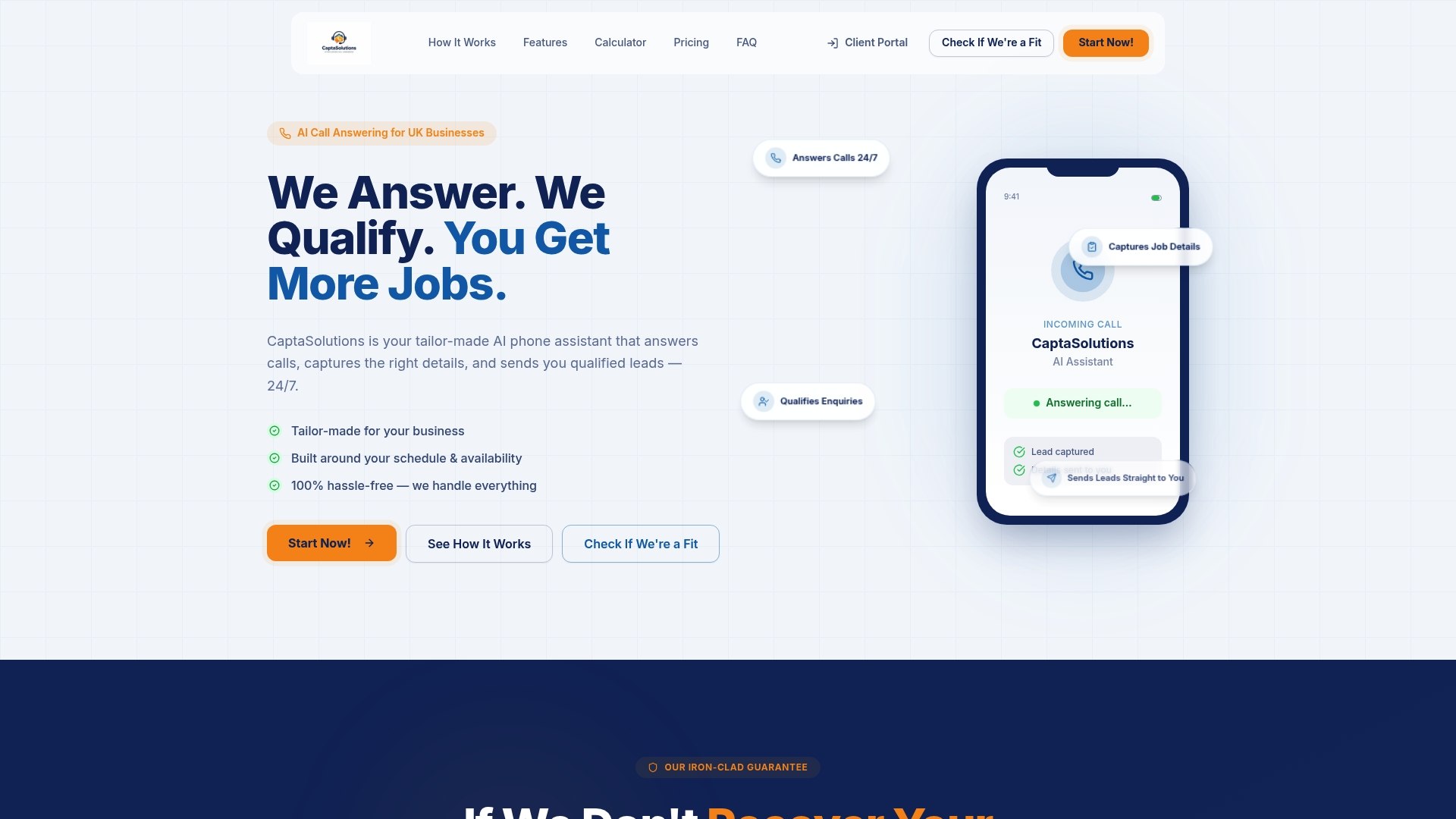
Captasolutions is built specifically for UK small businesses and service professionals who cannot afford to miss a call while working on site. The AI answers every call in your business name, 24 hours a day, 7 days a week, capturing caller details, qualifying the enquiry, and organising everything into your client portal. You review every lead on your own schedule and decide what to take on. There is no contract, no card required, and you can be live with call answering within the hour. Trusted by trades businesses, salons, clinics, and service professionals across the United Kingdom, Captasolutions removes the pressure of constant availability without losing a single lead. Visit captasolutions.co.uk to start your free 30-day trial today.
FAQ
What does it mean to handle client calls on site?
Handling client calls on site means managing inbound and outbound client communication while actively working at a job location. The goal is to maintain professionalism and capture every enquiry without disrupting the work in progress.
How can I reduce the number of client calls I receive while on site?
Structured client portals with real-time updates reduce inbound calls from around 12 per week to 2 or 3 by giving clients instant visibility into job progress. Setting clear communication expectations at project kickoff reinforces this further.
What is the best tool for answering calls when I am busy on site?
An AI-powered call answering service is the most practical solution for tradespeople and field professionals. Captasolutions answers every call in your business name, qualifies the enquiry, and logs the details so you can follow up when the job allows.
How often should I send automated updates to clients?
For residential projects, twice-weekly updates are the optimal update frequency to maintain engagement without causing update fatigue. Commercial clients typically require weekly updates.
Is it unprofessional to use AI to answer client calls?
No. Clients care about receiving a prompt, accurate, and professional response. An AI that answers in your business name, captures the caller's details, and ensures a timely follow-up delivers a better experience than a missed call or a rushed answer mid-job.