

AI lead qualification for inbound UK calls combines a short call flow (greeting, three to five qualification questions, a numeric score, and a routing action) with CRM logging and a clear human handoff rule. The result: every call is answered, every enquiry is captured, and your team only speaks to callers who are genuinely worth their time.
The best place to start is a single, tight workflow, such as booking or estimate requests, run as a seven-day live test with Captasolutions. Three things matter from day one:
- Call flow: greeting → qualifier questions → score → route (hot transfer, booking, or nurture)
- Compliance: the ICO requires callers to be told a call is being recorded, the reason for recording, and how long data is kept
- Measurement: focusing on a single workflow produces measurable time savings and faster responses from the first week
Table of Contents
- How does an AI system qualify and route a UK inbound call?
- Ready-to-copy call scripts for common UK SMB sectors
- How to convert call answers into scores and routing rules
- Which data fields should you capture and where does it go?
- UK legal checklist for call recording and data capture
- How to go live: implementation checklist and timeline
- Which KPIs tell you whether AI qualification is working?
- Real-world outcomes: what UK businesses have seen
- Your 7-day action plan to test AI call qualification
- Key takeaways
- What most businesses get wrong when implementing AI call qualification
- Captasolutions: answer every call, qualify every lead
- Useful sources
How does an AI system qualify and route a UK inbound call?
The call flow has five steps. Each one maps to a business decision.
- Answer in your business name — the AI greets the caller with your trading name and a one-sentence purpose statement ("I can take your details and get the right person to call you back").
- Triage questions (three to five) — intent, urgency, location or postcode, basic budget band, and decision timeline. Keep each question to one sentence.
- Real-time signal check — flag repeat callers, after-hours calls, and high-value keywords (e.g. "emergency", "contract", "urgent repair").
- Score — assign points per answer and combine with signal flags to produce a 0–100 score.
- Route — hot transfer for high scores, calendar booking or SMS confirmation for medium scores, and a nurture sequence for low scores.
Pro Tip: Design each question to map to a single routing decision. A question that tries to measure both urgency and budget at once dilutes the score and produces unreliable routing.
Ready-to-copy call scripts for common UK SMB sectors
Trades (plumber, electrician, builder)
Routing: Urgent + postcode in service area + budget mentioned → hot transfer or same-day callback. Planning ahead + no budget → nurture email with quote request form.
Restaurant or hospitality reservation
Salon or clinic
Professional services (solicitor, accountant, consultant)
Pro Tip: Keep the first two questions identical across all sectors: intent ("what do you need?") and timeline ("how soon?"). This gives you a consistent scoring baseline and makes cross-sector reporting straightforward.
- High-intent caller (urgent + budget confirmed + in-area) → immediate hot transfer or priority callback within 15 minutes
- Low-intent caller (browsing, no timeline, out of area) → automated follow-up with relevant content or quote form
How to convert call answers into scores and routing rules
A simple point-based model works for most UK SMBs. Assign points per answer, total them, and apply a threshold rule.
| Signal | Answer | Points |
|---|---|---|
| Urgency | Urgent / same day | 30 |
| Urgency | Within a week | 15 |
| Urgency | Planning ahead | 5 |
| Budget fit | Budget confirmed | — |
| Budget fit | Requesting a quote | 10 |
| Location | In service area | — |
| Location | Outside service area | 0 |
| Decision authority | Decision-maker confirmed | 15 |
| Repeat caller | Yes | 10 |
Thresholds:
- 60–100: Hot lead. Immediate transfer or callback within 15 minutes.
- 30–59: Warm lead. Schedule a call or send a booking link.
- 0–29: Low priority. Add to nurture sequence.
Pro Tip: During the first two weeks, review every lead scored 55–65 manually. Calibrating thresholds early prevents false-positive routing and protects your team's time.
Which data fields should you capture and where does it go?
Capture these fields on every call as a minimum:
| Field | Purpose |
|---|---|
| Caller name | CRM contact record |
| Phone number | Callback and deduplication |
| Call intent | Lead type tag |
| Postcode | Service area check |
| Preferred callback time | Scheduling |
| Budget band | Score input |
| Consent flag | GDPR record |
| Transcript link | Audit and training |
For integrations, no-code platforms such as Zapier or Make combined with a CRM like HubSpot or Microsoft Dynamics 365 cover most UK SMB needs. The basic flow is: webhook from call system → CRM create/update → tag and assign rule. Smaller teams with no CRM can start with a CSV export and manual import until volume justifies a direct connection.
UK legal checklist for call recording and data capture
The ICO sets clear expectations for businesses that record calls. Work through this list before going live.
- Tell the caller — state at the start of the call that it may be recorded, why you record, and who has access.
- Establish a lawful basis — legitimate interest covers most sales qualification calls; consent is required if you plan to use recordings for marketing.
- Store recordings securely — encrypt at rest, restrict access to named staff, and document your storage location.
- Set a retention period — map retention to business need (typically six to twelve months for sales calls) and delete on schedule.
- Do not use identifiable recordings for training or marketing without explicit consent from the caller.
- Place the consent line in your script — the phrase "this call may be recorded for quality and training purposes; is that okay?" captures verbal consent and should be logged against the call record.
Full guidance is available directly from the ICO on call recording.
This article is general information, not legal advice. Confirm your specific recording and data-retention obligations with a qualified adviser or the ICO directly.
How to go live: implementation checklist and timeline
Checklist:
- Define the single call type you are qualifying first (e.g. estimate requests)
- Map your current call types and volumes
- Write three to five qualification questions
- Set score thresholds and routing rules
- Configure CRM tags and assignment rules
- Run internal QA calls (at least ten test calls)
- Soft-launch for one week with daily review
Realistic timeline:
- Days 1–3: Discovery and question design
- Days 4–7: Build, integration, and QA
- Days 8–10: Internal test calls and threshold tuning
- Days 11–17: Live seven-day trial with daily logging
For the vendor demo, ask specifically: can questions be edited mid-trial? Can data be exported as CSV? Is there a named support contact? What is the SLA for hot transfers?
Owner time commitment is roughly two to three hours in the first week, mainly reviewing test calls and adjusting question wording. Involve whoever handles your CRM or booking system from day one.
Which KPIs tell you whether AI qualification is working?
| KPI | What to measure | Target signal |
|---|---|---|
| Lead capture rate | Calls answered / calls received | Trending towards 100% |
| Qualified lead rate | High-score leads / total leads | Improving week on week |
| Contact-to-booking conversion | Bookings from qualified leads | Higher than pre-AI baseline |
| Time to first response | Minutes from call to callback | Under 15 minutes for hot leads |
| False positive rate | High-score leads that did not convert | Below 10% after tuning |
| Admin time saved | Hours per week on manual triage | Track against pre-trial baseline |

Measure at day seven and again at day thirty. Focus on time saved per lead and response time rather than vague productivity claims. Those two figures tell you whether the system is working faster than your current process.
Real-world outcomes: what UK businesses have seen
Trades business: A UK trades firm using a narrowly scoped AI qualification flow reduced admin by 15 hours per week and improved response times to high-value enquiries. Booking confirmation speed increased and the owner reported fewer missed calls during peak working hours.
Bespoke manufacturer / high-ticket trades: After deploying an AI agent to capture project details (measurements, preferences, budget), one bespoke manufacturer regained lost enquiries and booked more design appointments within eight weeks.
Professional services: A legal firm reduced time spent on unqualified enquiries and improved response times to high-value leads after scoping the AI agent tightly to initial intake calls.
The consistent pattern across sectors is the same: keep the scope narrow, measure response time and booking rate, and tune thresholds in the first fortnight. Broad deployments that try to qualify every call type at once produce inconsistent scores and frustrated callers.
- Hospitality: faster reservation confirmation, fewer no-shows from unconfirmed bookings
- Clinics and salons: reduced admin time on appointment scheduling, more confirmed bookings per day
Your 7-day action plan to test AI call qualification
- Day 0: Choose one call type. Write your three to five questions. Configure your AI system (Captasolutions can be live within the hour).
- Day 1–2: Run ten internal test calls. Check scoring, routing, and CRM logging. Adjust question wording if callers hesitate.
- Day 3–9: Go live. Log every call: answered, qualified, transferred, failed handoff. Note any questions that produce unclear answers.
- Day 7: Review with your team. Check qualified lead rate, time to first response, and any false positives. Decide go/no-go on expanding to a second call type.
For a quick A/B test, run the default script for the first three days, then move the urgency question to position one for the remaining four days. Compare hot-transfer rates between the two versions.
Key takeaways
AI call qualification works when the scope is narrow, the scoring model is simple, and GDPR steps are completed before go-live.
| Point | Details |
|---|---|
| Start with one call type | Narrow scope produces consistent scores and faster time to value. |
| Score thresholds need tuning | Review borderline leads manually for the first two weeks to calibrate. |
| ICO compliance is non-negotiable | Tell callers about recording, set a retention period, and log consent on every call. |
| Measure time saved and response speed | These two KPIs show whether the system outperforms your current process. |
| Captasolutions is ready to trial | Answers calls 24/7 in your business name, qualifies enquiries, and organises leads into a portal. |
What most businesses get wrong when implementing AI call qualification
The most common mistake is trying to qualify every call type at once. It sounds efficient, but it produces a scoring model with too many variables, thresholds that are hard to tune, and call flows that feel long to callers. Start with your highest-volume, most predictable call type. Get that working cleanly before adding complexity.
The second mistake is skipping the GDPR steps because they feel administrative. The ICO's requirements on call recording are not optional, and a missed consent flag on a lead record creates a compliance gap that is difficult to fix retrospectively.
Third: not testing during actual business hours. A script that works in an internal test at 10am on a Tuesday can feel abrupt to a caller ringing at 7pm after a long day. Run your QA calls across different times of day before going live.
Finally, overcomplicating the scoring model. Five signals with clear point values outperform fifteen signals with overlapping weights. Each question should map to one routing decision, nothing more.
Captasolutions: answer every call, qualify every lead
Every missed call is a lead that moves on. Captasolutions answers inbound calls 24/7 in your business name, asks your custom qualification questions, scores the enquiry, and organises every lead into your client portal so you can review and act without chasing voicemails.
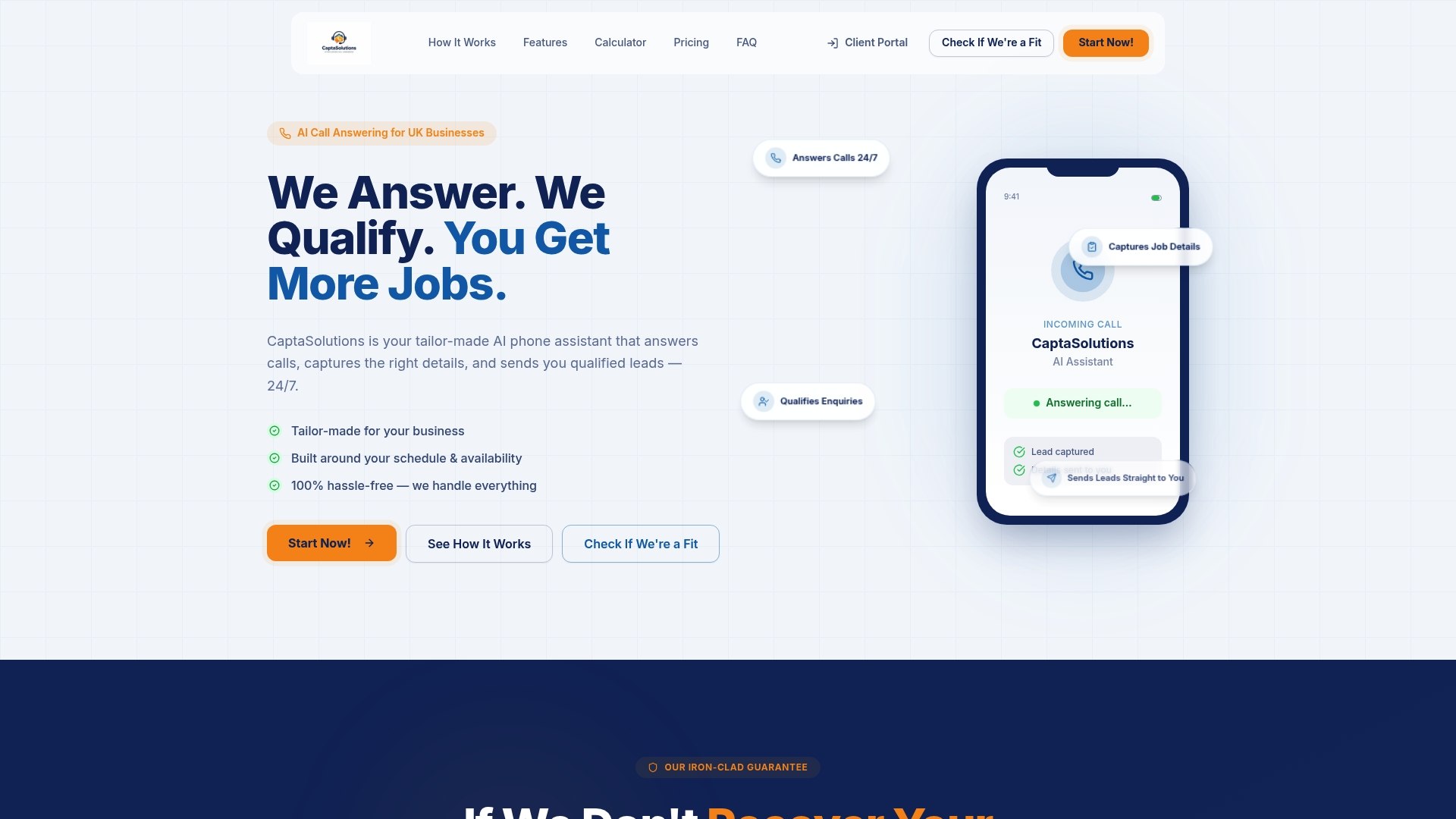
There is no long-term contract and no card required for the trial. Most businesses are live within the hour. The setup is straightforward: choose your call type, set your questions, and Captasolutions handles the rest, including call recording, transcription, and CRM-ready lead data. Start your free 30-day trial at captasolutions.co.uk or call 07346 811329.
Useful sources
- Implementation case study: How we saved 75% of lead qualification time — Infinity Group (UK). Covers scoping, human checkpoints, and time-saving metrics.
- Scale and CRM integration: AI Lead Qualification Agent — NexaCore Solutions. Case study showing 600+ leads per week processed and 18 hours of SDR time reclaimed.
- UK implementation guide: How to Use AI for Lead Qualification — SeptemAI. Covers no-code tooling, ROI timelines, and sector-specific scoring signals.
- Professional services case study: AI Lead Qualification System — Klikkit. Legal firm reducing unqualified enquiry time by 15 hours per week.
- High-ticket trades case study: AI Sales Agent and Pipeline Automation — Upshoring. Bespoke manufacturer recovering lost enquiries within eight weeks.
- ICO call recording guidance: ICO — lawful basis for processing — primary regulatory source for UK call recording and consent obligations.
- Captasolutions blog: How AI qualifies phone enquiries for UK businesses — practical qualification workflows and sector examples.