
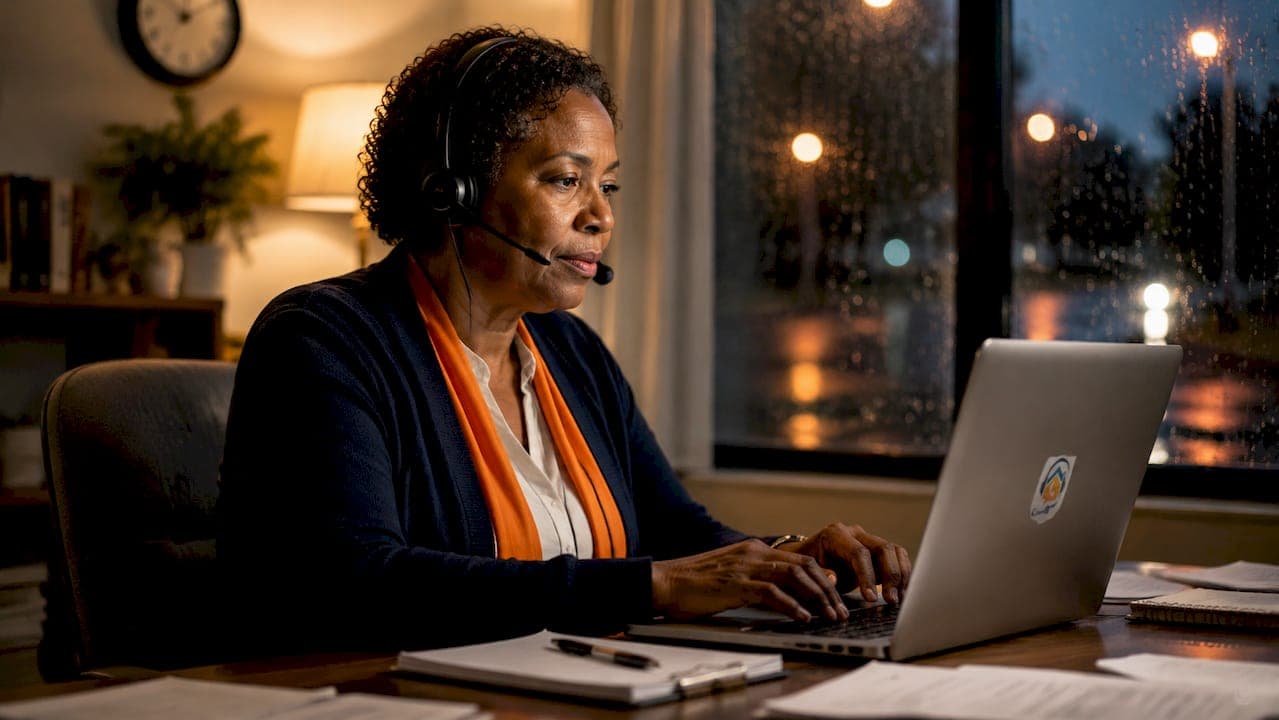
Between 30% and 45% of inbound customer demand arrives outside standard business hours. That figure alone makes after-hours booking opportunity types one of the most important revenue decisions a UK business owner can make. The industry term for this discipline is "after-hours scheduling," and it covers every method a business uses to accept, qualify, and confirm bookings when staff are unavailable. Miss that window and you do not just lose a call. You lose the job.
1. What are the main after-hours booking opportunity types?
After-hours booking opportunity types fall into six distinct categories. Each suits different business models, budgets, and customer expectations.
- Automated online booking widgets sit on your website and show real-time availability around the clock. Customers self-select a slot without any staff involvement.
- AI-powered call answering agents answer inbound calls in your business name, capture caller details, qualify the enquiry, and offer available slots immediately.
- Self-service calendar platforms such as Calendly or Acuity Scheduling let customers book directly into a shared calendar with automatic confirmations.
- Instant messaging and chat scheduling uses WhatsApp Business or website chat tools to accept booking requests through text-based conversation.
- Pre-set booking forms with lead pre-qualification collect job type, location, and budget before presenting any slots, filtering out unsuitable enquiries automatically.
- Manual after-hours staffing employs a person to answer calls outside hours. Manual staffing is costly and unsustainable for most small and medium-sized businesses compared to automated alternatives.
The right mix depends on your call volume, average job value, and how much human judgement each booking genuinely requires.
Pro Tip: Run all six types past your last three months of missed call data. The pattern will tell you which channel your customers actually tried to use after hours.

2. How do AI-driven systems improve after-hours booking capture?
AI-powered systems are the highest-performing option for out-of-hours appointment choices. AI booking conversion rates sit between 35% and 60%, and between 70% and 85% of customers are comfortable booking via AI. Those figures make AI the clear front-runner for businesses that receive regular after-hours call volume.
The core advantage is speed. Failure to respond within 48 hours reduces the chance of converting a lead to just 5%. An AI agent that answers immediately, confirms details, and offers a real slot eliminates that drop entirely.
AI systems also handle the split between routine and complex work. AI handles routine bookings and escalates complex or high-value cases to a human the next morning. That structure keeps conversion high without overwhelming your team.
The practical workflow looks like this:
- Customer calls after hours.
- AI answers in your business name within seconds.
- AI captures name, contact details, and job description.
- AI checks live calendar availability and offers confirmed slots.
- Customer receives an automated confirmation by SMS or email.
- Complex or high-value enquiries are flagged for human review at opening time.
Pro Tip: Test your booking workflow with fake bookings late at night and on bank holidays. Broken confirmation emails and calendar sync errors only show up when you look for them proactively.
3. Operational guardrails for types of late booking services
Technology alone does not prevent overbooking or operational chaos. Every after-hours scheduling option needs firm guardrails built into the system settings.
Capacity buffers of 10–15% held back from available inventory prevent the system from filling every slot before staff have reviewed the day. A minimum lead time of 2–4 hours before any appointment gives your team enough preparation time. Both settings belong in your booking system configuration from day one.
Deposit and prepayment requirements reduce no-shows significantly. Rental businesses, hospitality venues, and home service providers all use prepayment as a filter. A customer who pays a deposit is far more likely to show up than one who booked for free at midnight.
Blackout dates and cutoff times stop the system from accepting bookings during periods when you cannot deliver. Set these for bank holidays, training days, and any period where capacity genuinely does not exist.
| Setting | Purpose | Recommended value |
|---|---|---|
| Capacity buffer | Prevents full overbooking | 10–15% of total slots |
| Minimum lead time | Allows staff preparation | 2–4 hours before appointment |
| Prepayment requirement | Reduces no-shows | Deposit on high-value bookings |
| Blackout dates | Blocks unavailable periods | Bank holidays, training days |
| Auto-confirm vs manual review | Manages booking complexity | Auto for routine, manual for high-value |
Routine bookings auto-confirm instantly, while high-value or complex appointments go into a manual review queue. That distinction protects your revenue without slowing down standard jobs.
Pro Tip: Review your blackout date settings every quarter. A setting you configured in january may no longer reflect your actual capacity by april.
4. How to integrate after-hours booking types into your workflow
Placing a booking widget on your homepage is the starting point, not the finish line. Embedding booking links across your website, Google Business Profile, email signatures, paid adverts, and follow-up messages multiplies the number of touchpoints where a customer can convert.
Each touchpoint serves a different customer behaviour. A Google Business Profile booking link captures customers searching at 10pm. An email signature link captures customers who received a quote and came back to it three days later. A follow-up SMS link captures customers who called but did not leave a message.
Lead pre-qualification before slot presentation improves efficiency for both you and the customer. A form that asks job type, postcode, and rough budget filters out unsuitable enquiries before they reach your calendar. Your team only reviews leads worth pursuing.
- Add a booking link to every page of your website, not just the homepage.
- Include a booking link in every outbound email and SMS.
- Connect your Google Business Profile to your live booking calendar.
- Use drive-time-aware scheduling to show only feasible slots based on your technician's current location, cutting wasted travel time.
- Review booking flow data monthly and adjust slot availability based on actual demand patterns.
Balancing automation with human follow-up is the final piece. Automated systems handle the capture. Your team handles the relationship. That division produces the best conversion outcomes for after-hours lead capture across trades, hospitality, and professional services alike.
5. Comparing after-hours booking opportunity types: which fits your business?
Not every after-hours reservation type suits every business model. The table below compares the four main options across the factors that matter most to UK business owners.
| Type | Cost | Conversion potential | Best suited for |
|---|---|---|---|
| Automated online widget | Low | Medium | Salons, clinics, professional services |
| AI call answering agent | Medium | High (35–60%) | Trades, hospitality, high call volume |
| Self-service calendar platform | Low | Medium | Consultants, coaches, low-volume services |
| Manual after-hours staff | High | Variable | High-value, complex, bespoke services |
AI call answering agents deliver the highest conversion rates and suit businesses where the phone is the primary contact channel. Trades businesses, restaurants, and salons receive most of their enquiries by call, making AI call answering the natural fit.
Automated online widgets work well for businesses where customers already expect to self-serve. Clinics, beauty salons, and professional offices with predictable appointment types benefit most from widget-based evening booking possibilities.
Manual staffing remains relevant only where the job complexity genuinely demands human judgement at the point of first contact. For most UK SMBs, the cost is prohibitive and the conversion rate is no better than a well-configured AI system.
Hybrid models combine an AI call answering agent with an online widget. The AI handles calls. The widget handles web traffic. Together they cover the full range of out-of-hours appointment choices without requiring any staff presence outside business hours.
Key takeaways
After-hours booking success depends on combining AI automation with firm operational guardrails and booking links placed at every customer touchpoint.
| Point | Details |
|---|---|
| AI leads on conversion | AI call answering converts after-hours demand at 35–60%, outperforming all other methods. |
| Speed is non-negotiable | Conversion drops to 5% if a lead is not contacted within 48 hours. |
| Guardrails prevent chaos | Capacity buffers of 10–15% and minimum lead times of 2–4 hours protect operational stability. |
| Embed links everywhere | Booking links on your Google Business Profile, email signature, and adverts multiply capture points. |
| Test your system regularly | Fake bookings during off-hours reveal broken confirmations and sync errors before real leads are lost. |
What I have learned about after-hours bookings the hard way
Most business owners I speak with treat after-hours booking as a nice-to-have. They set up a widget, forget about it for six months, and then wonder why it is not converting. The technology is rarely the problem. The configuration is.
The single most common failure I see is a booking system with no capacity buffer and no minimum lead time. A customer books a slot at 11pm for 8am the next morning. The technician is already committed elsewhere. The business either cancels the booking or scrambles to cover it. Neither outcome builds trust.
The second failure is treating all bookings the same. A £95 boiler service and a £4,500 bathroom renovation should not follow the same confirmation workflow. Auto-confirming a high-value job without human review is a risk that most business owners only take once.
What actually works is a layered approach. AI handles the call and captures the lead. The system checks guardrails and either confirms or flags for review. A human follows up on anything complex by 9am. That structure converts well and keeps operations stable.
The overlooked opportunity is the booking link in the email signature. Every quote you send, every invoice you issue, every follow-up you write is a chance to bring a customer back. Most businesses leave that channel completely empty. Put a booking link there. It costs nothing and it works.
— Daniel
Captasolutions: built for after-hours booking capture
UK businesses that rely on the phone cannot afford a missed call after hours. Captasolutions answers every call in your business name, 24 hours a day, 7 days a week. The AI captures caller details, qualifies the enquiry, and organises every lead into your client portal so you review it at opening time.
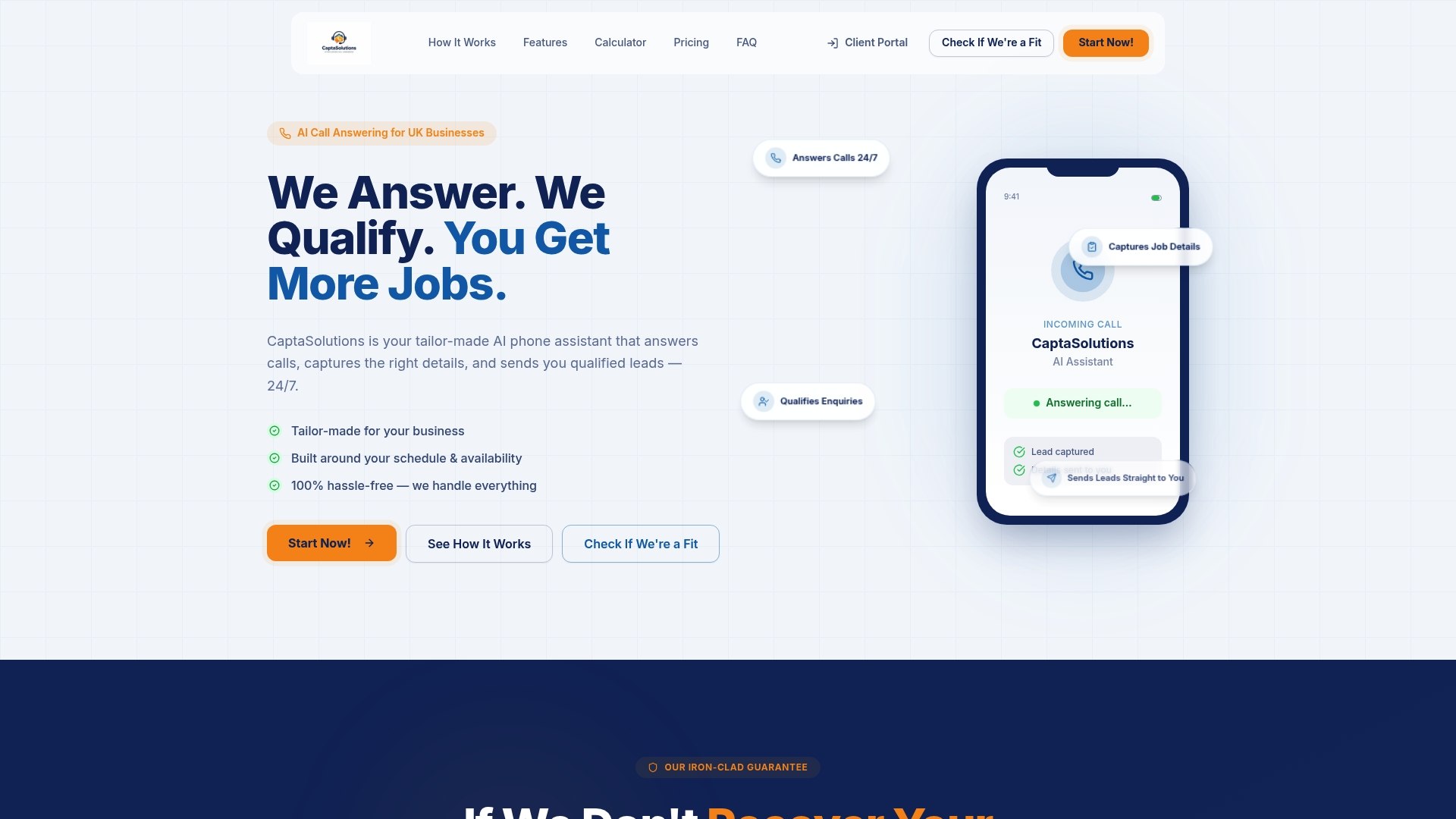
Captasolutions integrates with your existing calendar and confirmation workflows, so setup takes less than an hour. There is no contract and no card required for the free 30-day trial. Trades businesses, salons, clinics, and hospitality venues across the UK already use Captasolutions to capture the bookings that used to disappear overnight. Visit captasolutions.co.uk or call 07346 811329 to get started today.
FAQ
What are the main after-hours booking opportunity types?
The six main types are automated online widgets, AI call answering agents, self-service calendar platforms, instant messaging scheduling, pre-set booking forms with lead qualification, and manual after-hours staffing. AI call answering agents deliver the highest conversion rates for most UK businesses.
How much demand arrives outside business hours?
Between 30% and 45% of inbound SMB customer demand arrives outside standard business hours. Businesses without an after-hours scheduling option lose a significant portion of their potential revenue every week.
Why does response speed matter so much for after-hours bookings?
Conversion drops to 5% if a lead is not contacted within 48 hours. Immediate automated responses with real-time slot offers are the only reliable way to prevent that drop.
What operational settings should I configure for after-hours bookings?
Set a capacity buffer of 10–15%, a minimum lead time of 2–4 hours, and separate auto-confirm rules for routine bookings versus manual review for high-value appointments. These three settings prevent the most common operational failures.
Is AI booking suitable for trades businesses in the UK?
AI call answering is particularly well-suited to trades businesses because the phone is their primary enquiry channel. AI systems answer in the business name, capture job details, and offer confirmed slots, making them a direct replacement for a missed call rather than just a supplementary tool.